Let’s get you home: a setup that works for you instead of the other way around
The basic ergonomics advice assumes one screen and a chair that adjusts. Your setup probably isn't that simple. I built Homing from six years of working with pro gamers, so it starts with your body and the gear you actually have, then tells you exactly what to change.
Jonathan Chung, chiropractor and esports injury coach · Fnatic · Toronto Defiant · Toronto Ultra · Toronto KOI · Shopify Rebellion · Esports World Cup 2025 and 2026
$97, one payment. Works in your browser on a phone or computer, with nothing to download.
Built for people whose hands do the heavy lifting
You've tried the basic ergonomics advice. Screen at eye level, feet flat, elbows at 90 degrees. It helped a little, but it wasn't built for your setup:
- You run two, three or more screens, and the advice only covers one.
- Your chair, desk or monitor doesn't adjust, so half the tips don't apply.
- You work off a laptop at the kitchen table or in a coffee shop.
That's where Homing starts. It finds a comfortable position for your body with the gear you have, then shows you exactly what to change.
Homing is for you if:
- You game, from ranked grinding to pro play
- You code, design or work at a keyboard all day
- You make art or music, and your craft lives in your hands
- You're a high performer, and long days at a desk can't slow you down
- You'd rather understand why than follow another list blindly
Homing is not for you if:
- You have symptoms that need hands-on care first, like weakness, numbness that's getting worse, pain after an injury or fall, or pain that keeps getting worse even with rest. Please get assessed in person.
- You want a diagnosis or treatment plan. Homing is education and setup guidance, not one-on-one care.
- Most of your time is on a phone or controller, away from a desk. That version is coming soon. Join the waitlist.
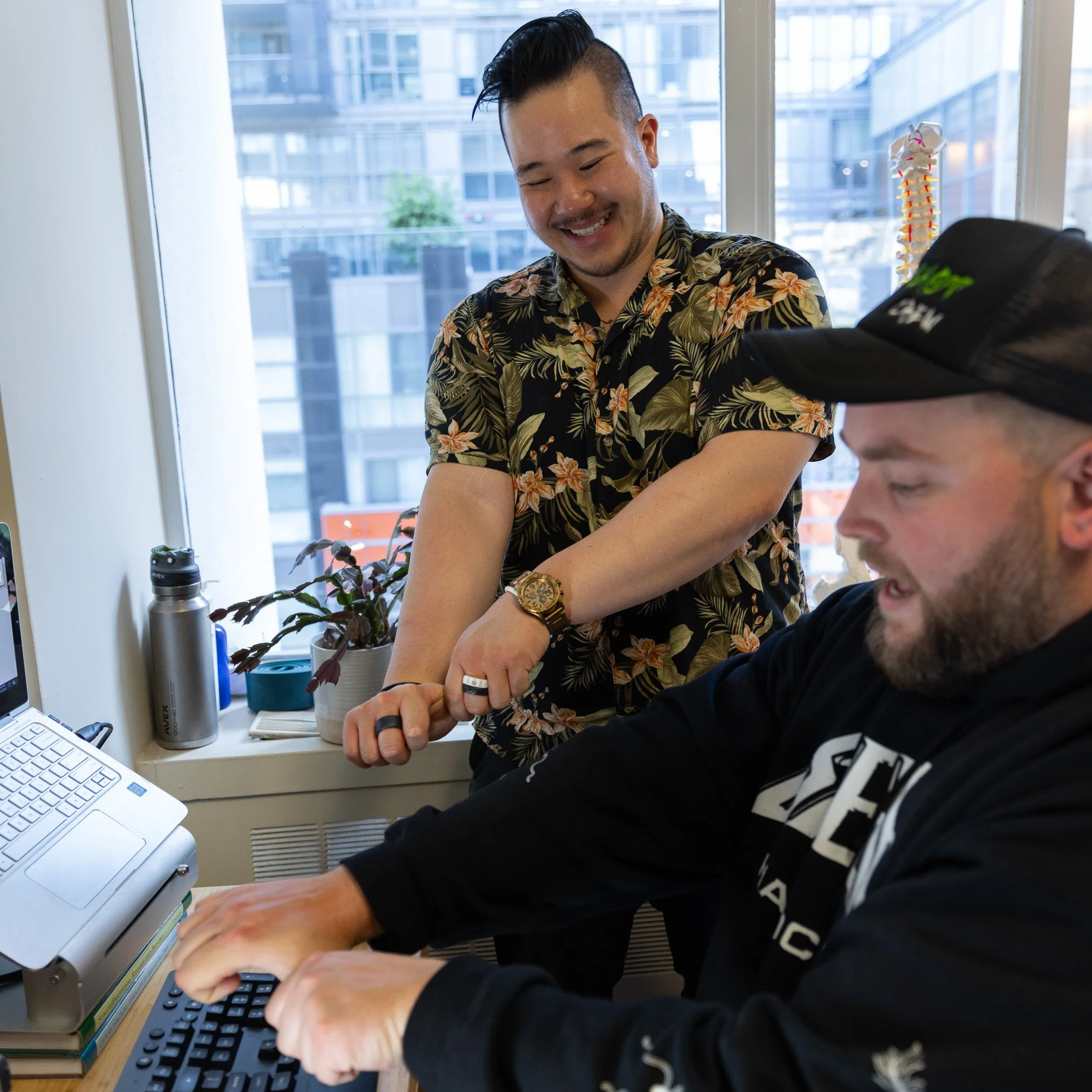
I've spent six years helping pro gamers get back to the careers they love.
I'm Jonathan Chung, a chiropractor and esports injury coach. I've worked with hundreds of pro gamers, whose careers depend on fast, precise, repetitive hand movements, hour after hour.
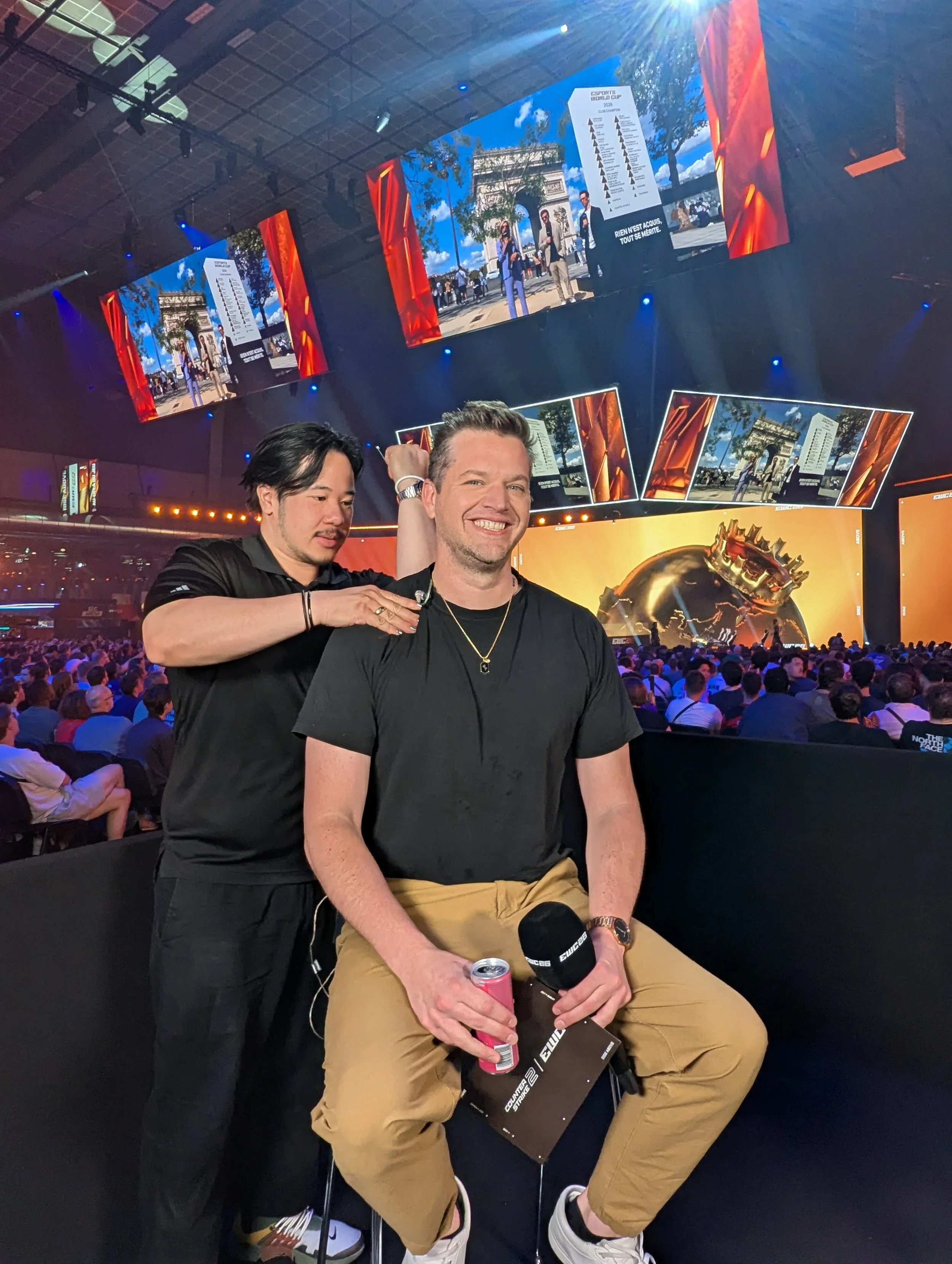
I've worked with Fnatic (League of Legends), Toronto Defiant, Toronto Ultra, Toronto KOI and Shopify Rebellion, and at the Esports World Cup in 2025 and 2026 with top teams across nearly every competitive esport.
What I've learned: comfort doesn't come from holding a perfect posture. It comes from a setup that fits you, great rehab and good use of breaks and swapping postures more than you think. You don't need to be a pro to deserve that kind of help. Homing puts it in your hands.
The best posture is your next one.
Most ergonomic advice treats your body like a statue. Find the right pose, hold it, done. But your body is built to move, and your work isn't static.
Find your home position. No posture is perfect. But some positions are likely to be more comfortable for you than others. That's your home position.
Think of the home row on a keyboard. Your fingers rest there because it's comfortable and effective, and they leave it constantly to get the work done.
You can, and should, leave home often. Home just needs to be comfortable enough that you want to come back. Posture shouldn't be a prison.
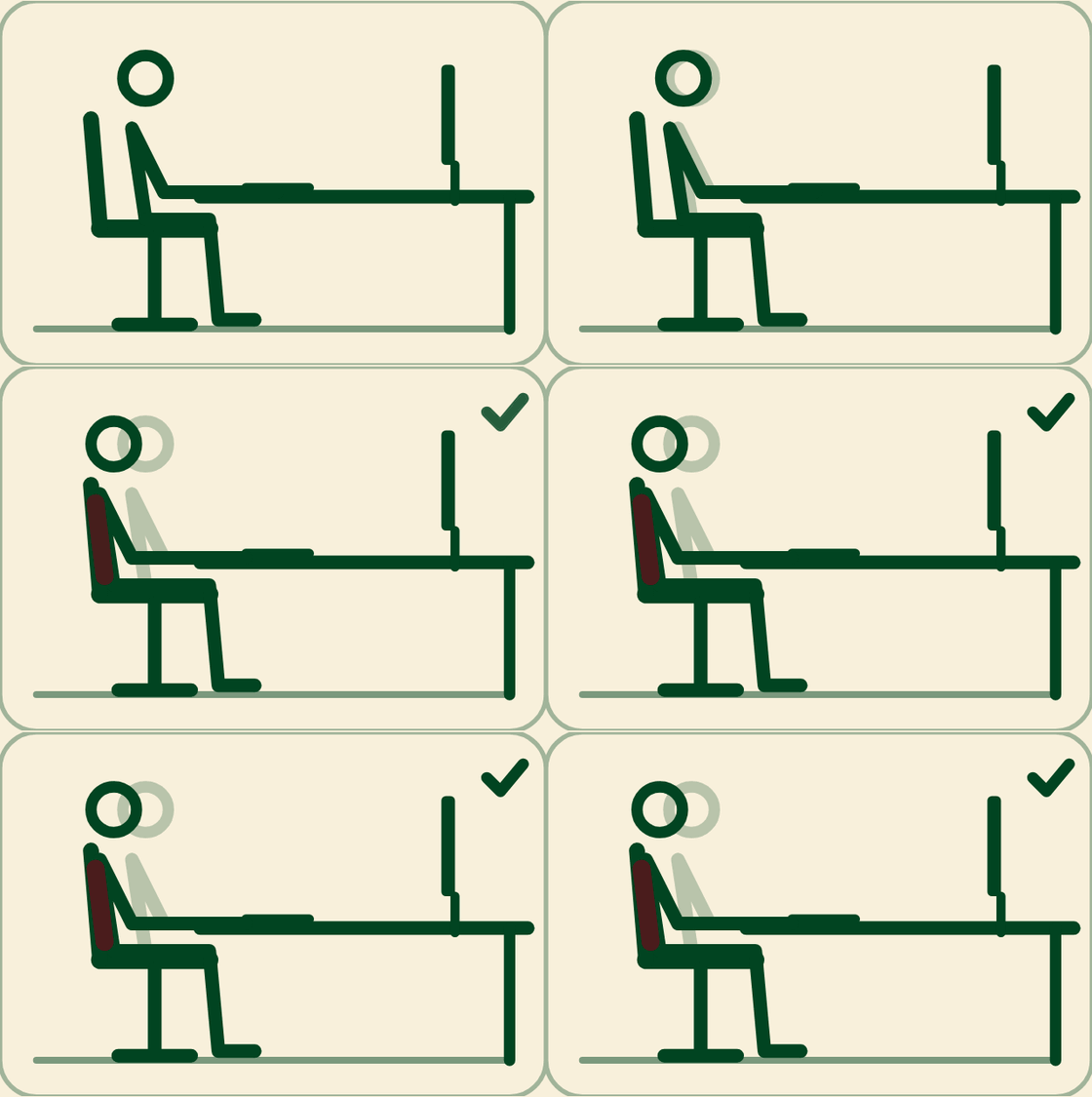
From "what am I supposed to fix?" to "I know what to change, and why."
Your first win: In your first session, Homing walks you through the five changes that make the biggest difference. Tell it where it hurts and it starts there instead.
How it works
- Answer three quick questions. What you're working on, whether your desk changes height, and where you start to feel tight.
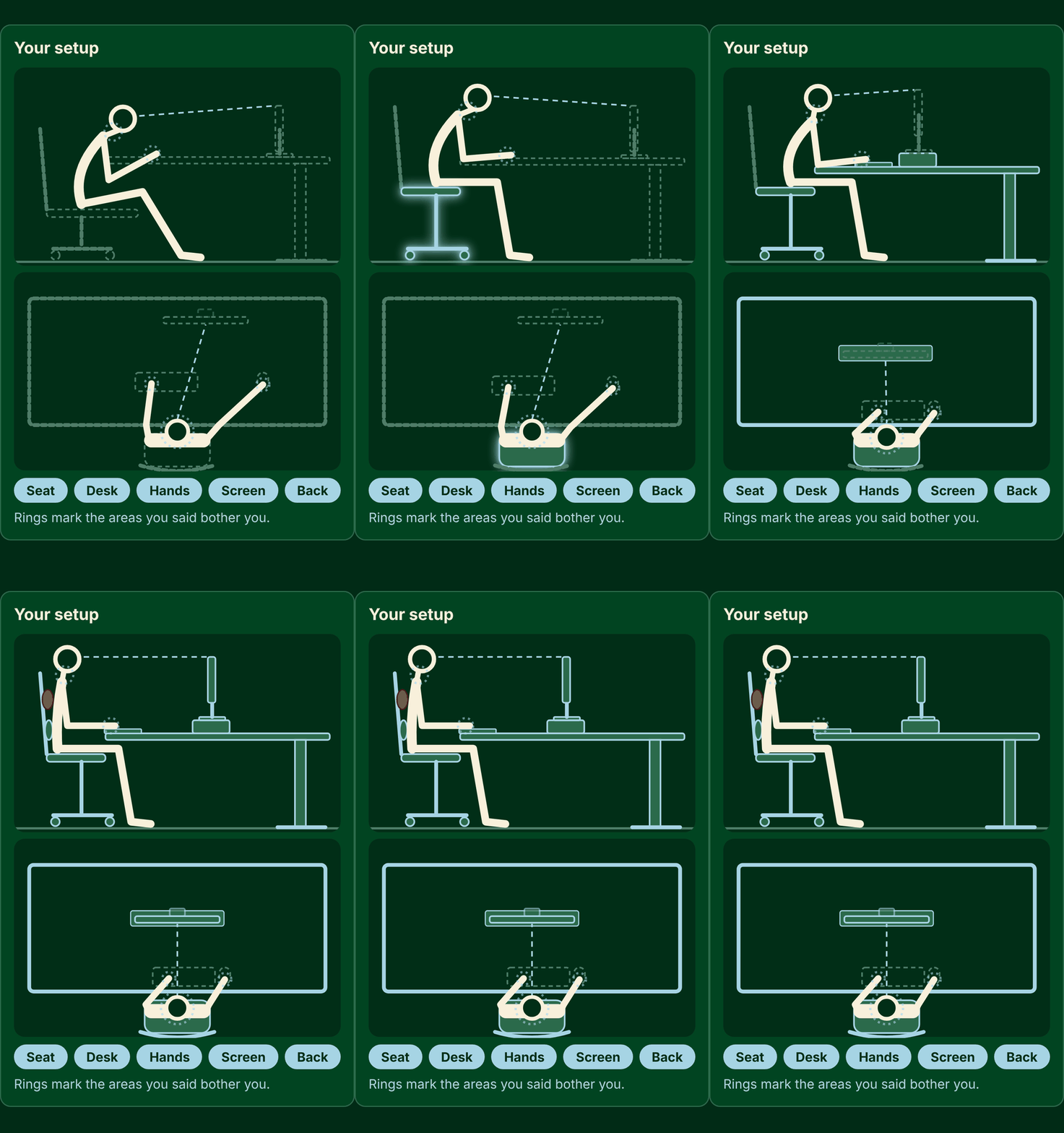
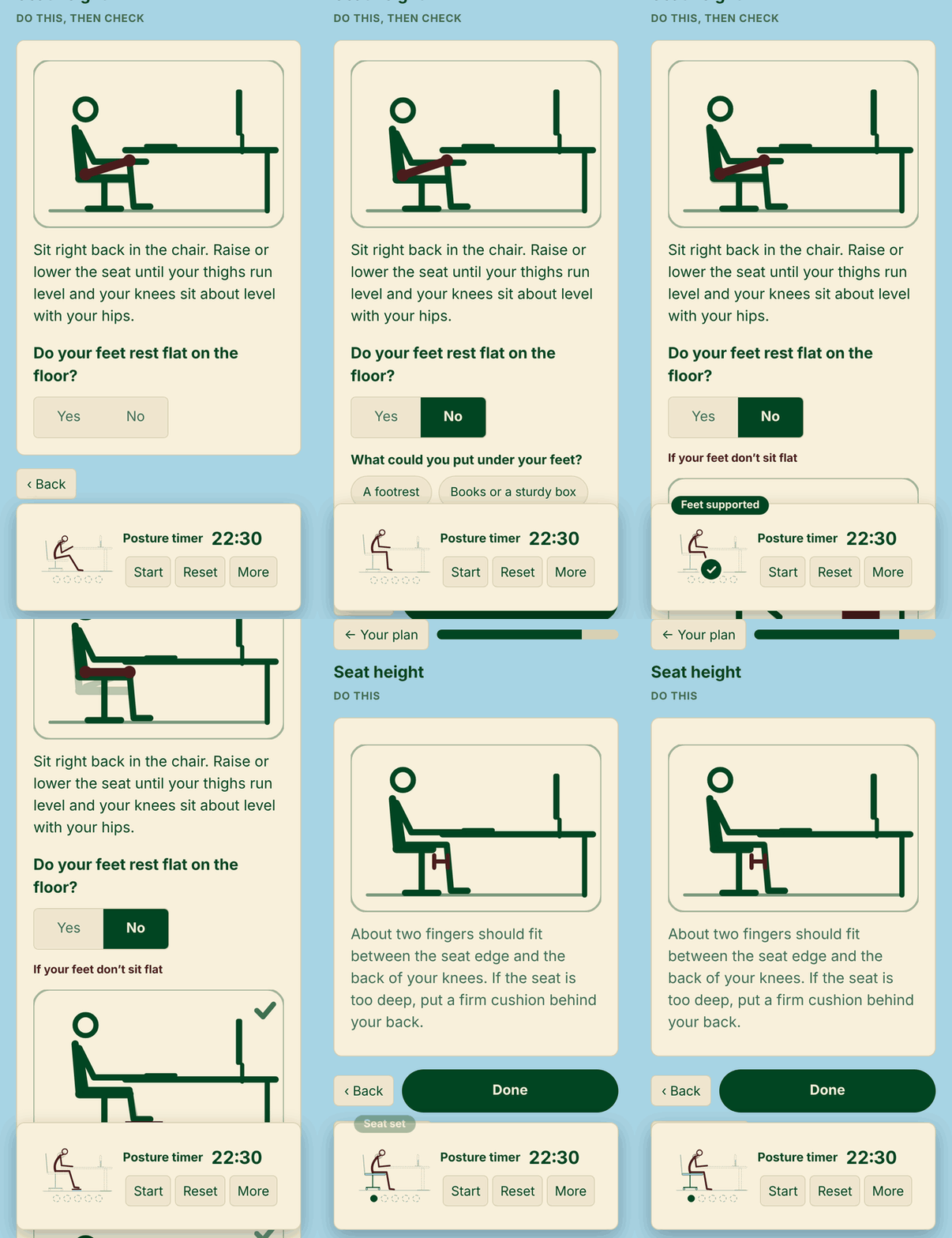
- Follow your lessons, one step at a time. Seat first, then desk, forearms, screen and back support. Each step is a yes/no check with the fix right there.
- Keep moving. Timers nudge you to shift before you get tight and remind your eyes to take a break.
What changes for you
- Get comfortable with what you already own. Books, a box, a pillow or a rolled towel stand in when your gear doesn't adjust.
- Stop twisting to see your second screen. Setups for a laptop on its own up to five screens, portrait and stacked included.
- No tape measure needed. Guided mode uses your body as the ruler. Want exact numbers? Esports mode works them out from your height.
- Catch what's easy to miss. Wrists bent back, head pushed forward, elbows drifting out. A fix shows up under any answer that needs one.
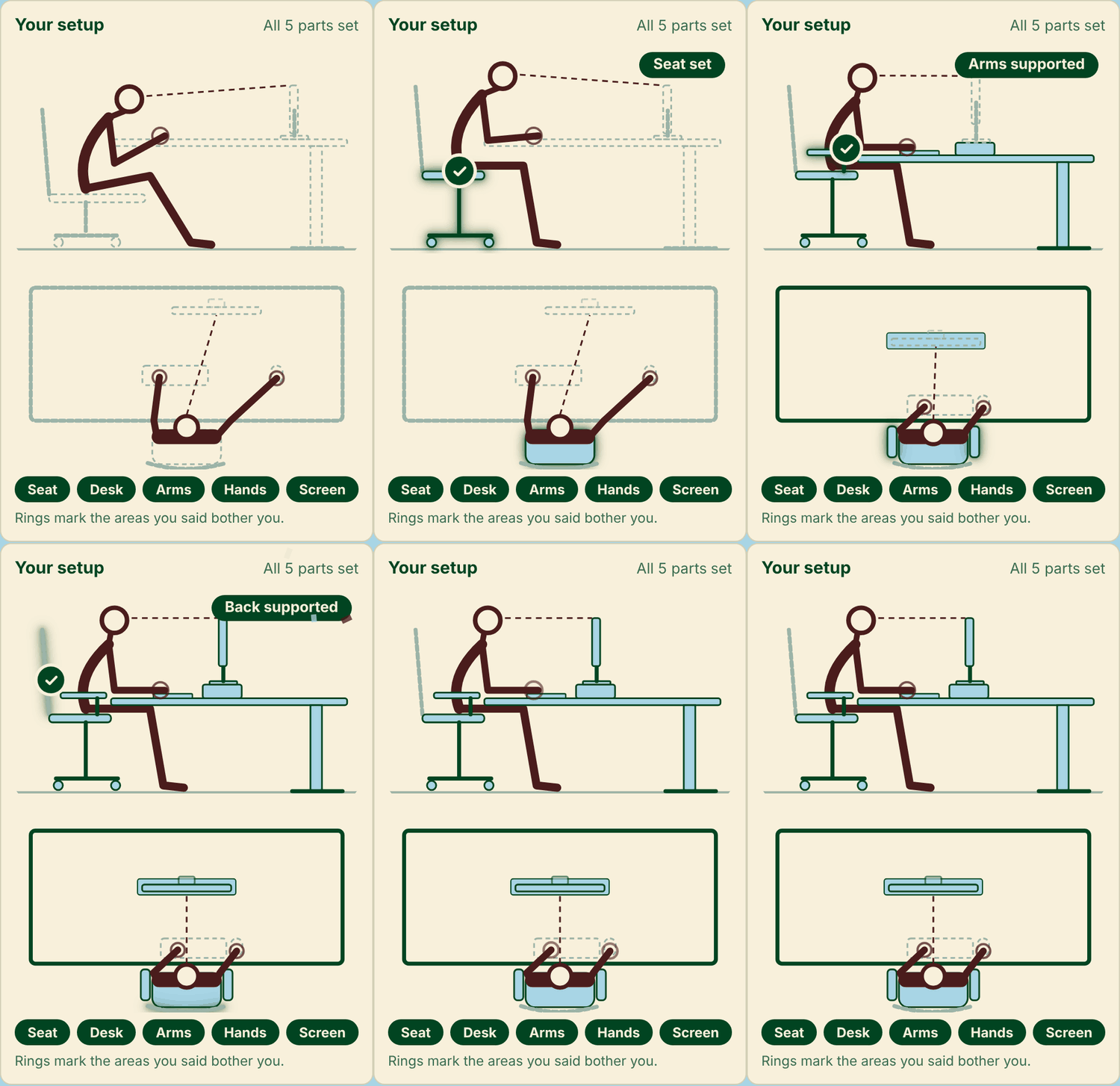
- See exactly what each change looks like. Short animations for every step, plus your target setup from the side and from above.
- Shift before you get tight, not after. A posture timer set from your own comfort time, plus a 20-20-20 eye timer.
- Come back every time your setup changes. New desk, new monitor, new job: your answers save in your browser. Dark mode included.
Take a look inside
Every step comes with a short animation, plus your target setup from the side and from above, so you always know what a change should look like.
What people are saying:
From Homing users
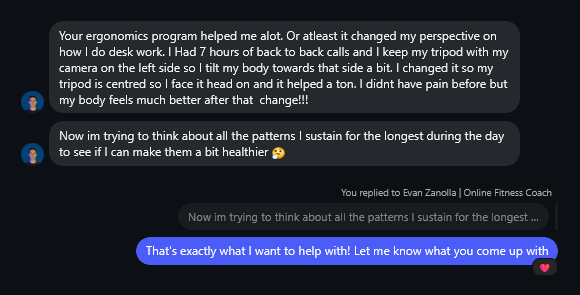
— Evan, online fitness coach
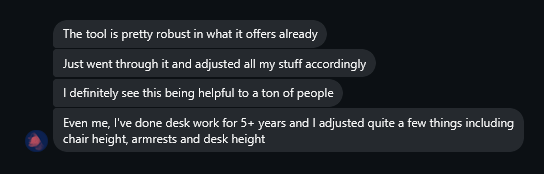
— Shane, Homing's first beta user
Results vary from person to person.
From my 1-on-1 Clients:
Built with beta feedback
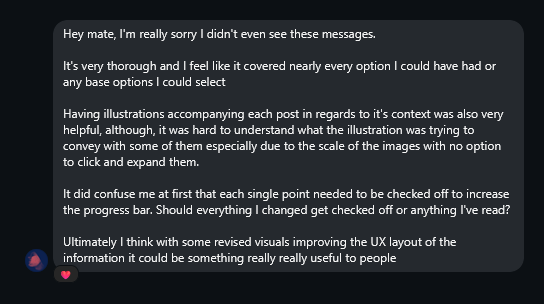
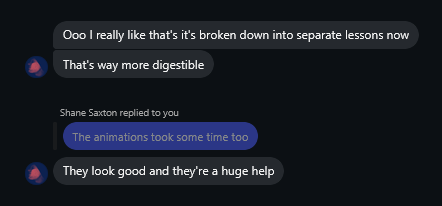
Homing gets better every time someone tells me what's confusing. Here's what my first beta user said, what I changed, and what he said after. Every update is included, for life.
Get Homing and make your desk work for you
You're going to keep doing the work. Homing helps you do it with a setup you understand.
- Lessons built around your gear and where it hurts
- Yes/no checks with a fix right where you need it
- Guided and Esports modes, for a laptop on its own up to five screens
- Posture and 20-20-20 eye timers
- Lifetime updates to Homing
$97, one payment
Secure checkout by Stripe. After you pay, you go straight to Homing and get a receipt by email.
All sales are final, so check the "not for you" list above before you buy.
Questions
How do I get Homing after I pay?
You go straight to it from the checkout. Bookmark the page or use the "Email it to me" button so you can find it again.
Do I need to download anything or make an account?
No. Homing runs in your browser on a phone or computer. There's no login.
Will my answers be saved?
Yes, in the browser you use. Open your link in the same browser to pick up where you left off.
I lost my link.
Email jkchung.dc@gmail.com with your receipt and I'll send it again.
I don't have fancy equipment.
You don't need it. Homing starts with what you have and suggests stand-ins like books or a rolled towel only if you need them, then scales with the equipment you buy.
Does it work with just a laptop?
Yes, with or without extra screens. There's even a mode for a laptop and nothing else.
How many screens can it handle?
Up to five, including portrait and stacked.
I'm not a pro gamer. Is this for me?
Yes. Pros sit at the extreme end of repetitive hand work, and the same principles apply to anyone at a desk all day. Esports mode is there if you want exact numbers.
Why not just watch a free YouTube video?
Free videos show one setup for one body, usually with one screen and a chair that adjusts. Homing starts with your body, your screens and what you actually own, then checks each change with you.
Will this fix my pain?
I can't promise that. Every body is different, and I haven't assessed yours. Homing gives you a clear, reasoned way to set up and move more. It's education, not a diagnosis.
Can I get a refund?
All sales are final. Read the "not for you" list before you buy. If a step doesn't make sense for your setup, email jkchung.dc@gmail.com and I'll point you in the right direction.
What about phone or controller use?
It's coming soon. Join the waitlist.
Homing is educational. It is not medical advice and does not replace care from a qualified professional.